
Empik
The Empik Marketplace integration brings orders as well as messages and disputes from your seller account into Ritevo. You connect it with an API key from the Empik seller panel.
One Empik account is connected once; if you sell from several accounts, add each one as a separate integration.
The same Empik account can be connected only once. When you connect it again, Ritevo refreshes the existing integration and turns it back on, even if it was deleted.
How to generate the API key
You create the API key in the Empik seller panel. Copy it in full - you will paste it into Ritevo when adding the integration.
- Sign in to the Empik Marketplace seller panel.
- Click your user name in the top right corner and go to the account settings.
- Choose API key.
- Click Generate new key. If a key already exists, just copy it.
Connecting the account
Start in Ritevo:
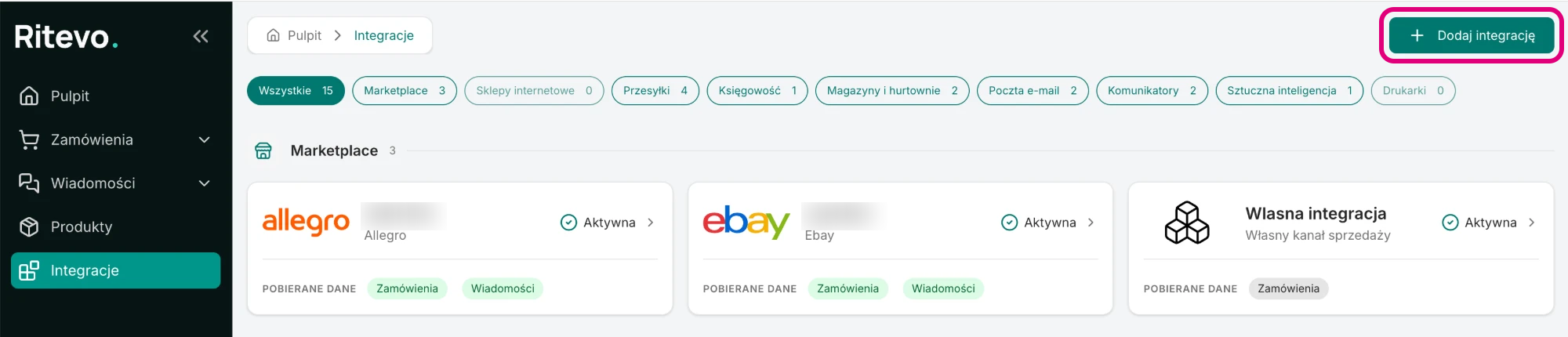
- Go to Integrations in the left panel and click Add integration in the top right corner.
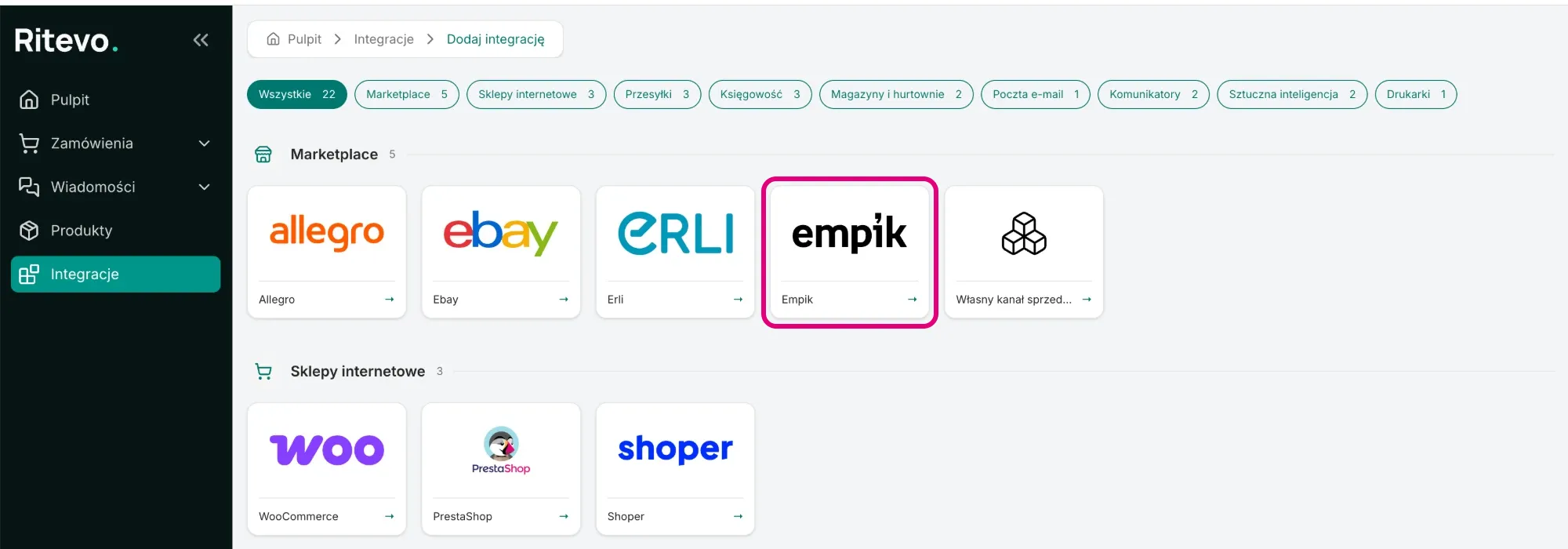
- In the Marketplace section pick the Empik tile.
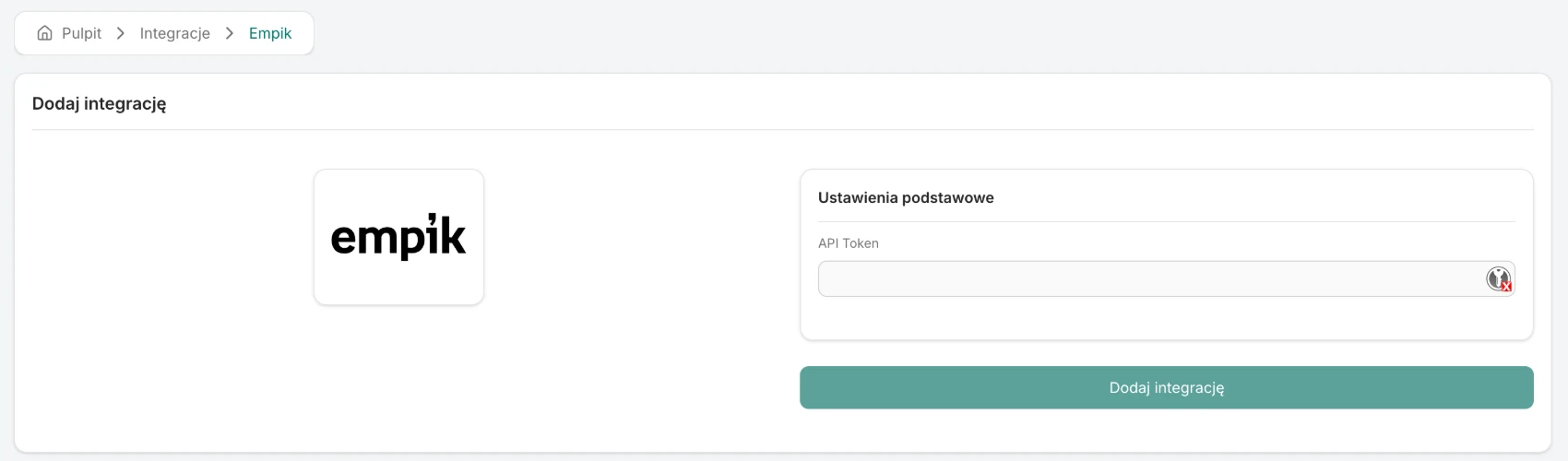
- In the API Token field paste the API key from your Empik seller panel.
- Click Add integration. Ritevo checks the key with Empik right away: if it is valid, the integration is added and its settings open. If not - you will see the error returned by Empik and nothing is saved.
Integration settings
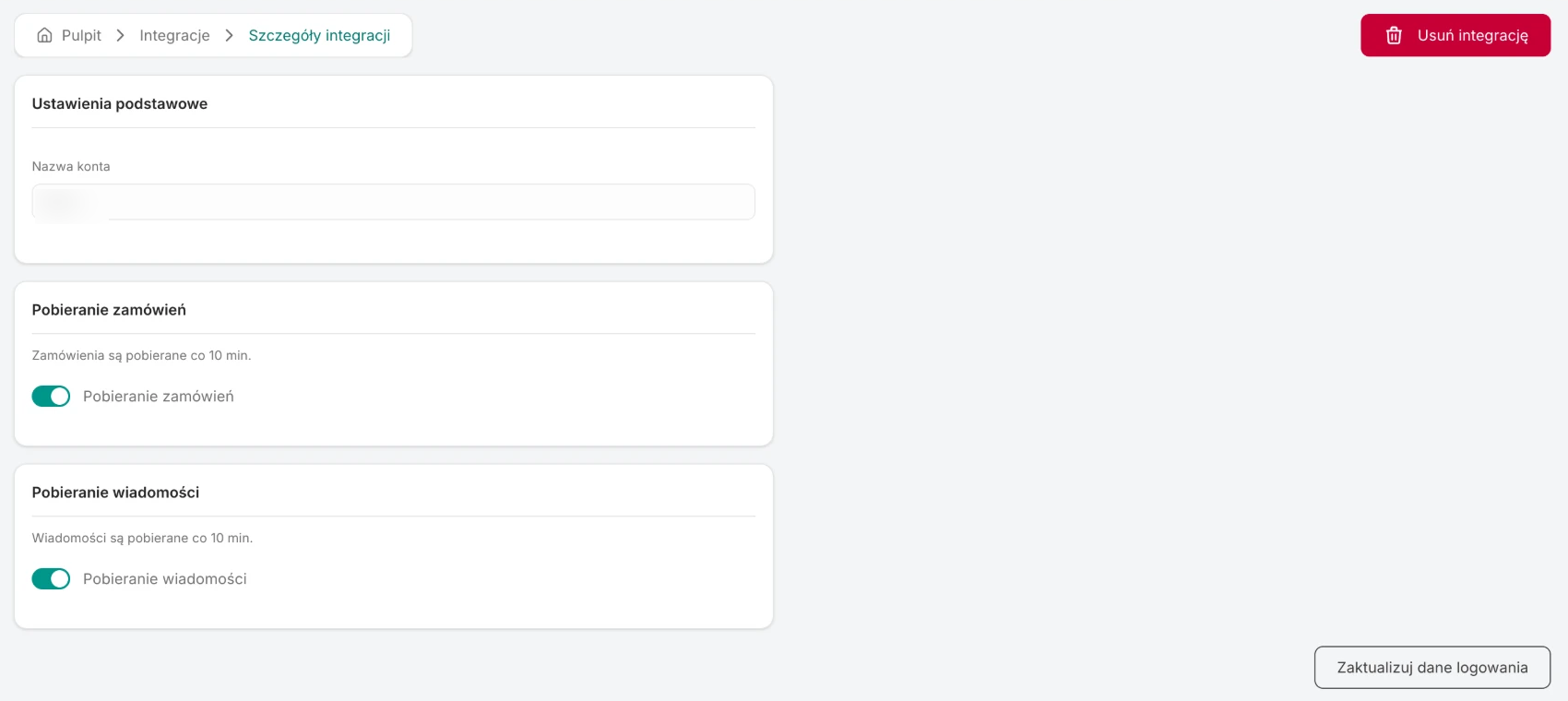
After connecting, the integration is Active, but order and message fetching are off - you turn them on yourself, separately:
- Account name - the name of your seller account, which Ritevo takes from Empik. It cannot be changed.
- Fetch orders - once on, Ritevo checks for new and changed orders about every 10 minutes. The rules shared by all channels: Fetching orders.
- Fetch messages - once on, Ritevo fetches messages about every 10 minutes, reaching 7 days back on the first fetch. Shared rules: Fetching messages.
What this integration gives you
- Orders - new and updated Empik orders land in the orders table, with the buyer's details, invoice details, delivery (including the pickup point) and line items.
- Messages and disputes - conversations with buyers and incident reports land in the shared inbox.
Orders from Empik
Ritevo fetches the whole Empik order: the buyer, payment, delivery together with the pickup point, line items and the buyer's message. Orders awaiting acceptance are accepted automatically by Ritevo - you do not have to accept them in the Empik panel.
- Statuses and payments - Empik statuses and payment methods are translated to Ritevo statuses in one fixed way; marketplaces have no mappings of their own, unlike online stores. A cash-on-delivery order arrives as Awaiting payment with the Cash on delivery method.
- Additional services - not supported. This integration does not pass on services such as gift wrapping or carry-in. If you want to sell them, list them as a separate product or offer - they then show in the order as a regular line item. More about additional services.
- Invoice - if Empik provides the buyer's tax id or its equivalent, the order gets the Customer asks for an invoice flag with the company details and the number filled in.
Messages and disputes from Empik
- Messages - conversations with buyers from the Empik panel. You reply from Ritevo, attachments included.
- Disputes - these are incident reports on order lines. Empik does not allow replying inside an incident, so at a dispute Ritevo shows the existing conversations with that buyer for that order - you reply in them like in an ordinary message - and a Write to the buyer in a new conversation button when there is no such conversation yet. The incident itself you close right there with Resolve incident, giving a reason.
- If a message concerns an order that is not in Ritevo yet, we fetch it on our own - even with order fetching turned off.
Reconnection required
This state appears when the API key stopped working - it was revoked in the Empik panel or lost its permissions. Until you provide a new key, Ritevo neither fetches nor sends any data on that account.
- Generate a new API key in your Empik seller panel.
- On the integration page in Ritevo click Update credentials, paste the new key and confirm. Ritevo checks it with Empik just like when adding - a wrong key returns an error, a valid one refreshes the connection. The fetching settings and the history stay unchanged.
Deleting the integration
Delete integration turns the integration off in Ritevo: it stops fetching and sending data, but what it fetched earlier stays. Restore integration turns it back on.
What the integration does not do
- It does not manage listings: it does not list, change prices or stock in Empik.