
Fetching messages
Ritevo gathers customer messages from all your connected channels in one inbox. This page covers the rules shared by every integration - whether it is a marketplace, an online store, email or a messaging app.
Turning fetching on and off
Message fetching is set separately for each integration. After you add a new integration it is off - until you turn it on, no messages are fetched from that channel.
To turn it on:
- Go to Integrations and open the integration you want to fetch messages from.
- Turn on the Fetch messages switch.
- Save your changes.
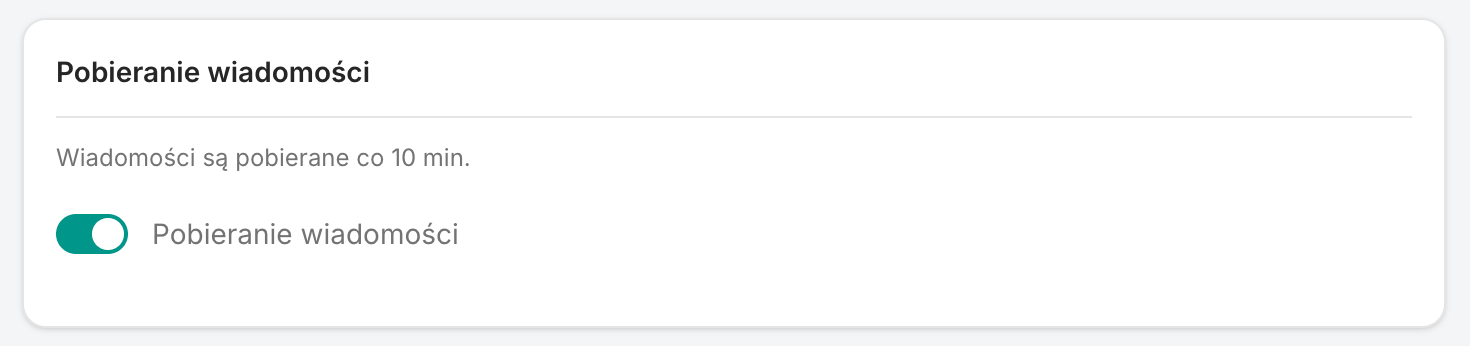
You can turn fetching off at any time with the same switch. Messages fetched earlier stay in Ritevo, new ones from that integration simply stop coming in.
Message fetching and order fetching are two independent switches. You can have one, the other, or both turned on.
How often we check for messages
- Marketplaces, online stores and email: each integration is checked about every 10 minutes.
- Messaging apps (Messenger, WhatsApp): a message reaches Ritevo right away, as soon as the customer sends it.
What we fetch
Every thread in Ritevo has one of three types:
- Message - a regular conversation with a customer. Every integration with messages supports it.
- Dispute - a dispute opened by the customer in the sales channel.
- Claim - a claim filed through the sales channel.
Disputes and claims are fetched only from sales channels that run them themselves. Email and messaging apps have messages only. Which types a specific integration supports is described on its own page.
Where you will see fetched messages
All threads land in the shared inbox in the Messages tab. Each one shows which integration it came from and what type it is.
Messages and orders
In some integrations a message, dispute or claim refers to a specific order. Ritevo then links the thread to that order, so you can see what the conversation is about straight away.
I cannot see a message
Check in this order:
- Is the integration Active.
- Is Fetch messages turned on - after adding an integration it is off by default.
- Does this integration support messages at all - if not, there is no switch.
- Have a dozen or so minutes passed since the message was sent (does not apply to messaging apps).