
Hurtownia Karm
The Hurtownia Karm integration brings the wholesaler's offer into Ritevo: products, prices and stock. You enter no login details - the wholesaler makes the offer available to us.
You can add as many Hurtownia Karm integrations as you like - each has its own set of products, for example with different price rules. Each works on its own.
Connecting the account
Start in Ritevo:
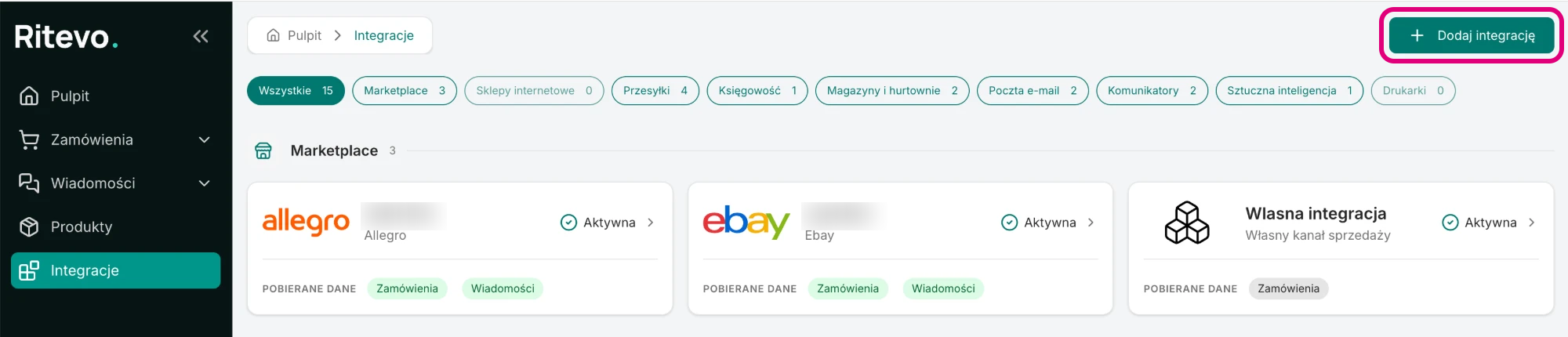
- Go to Integrations in the left panel and click Add integration in the top right corner.
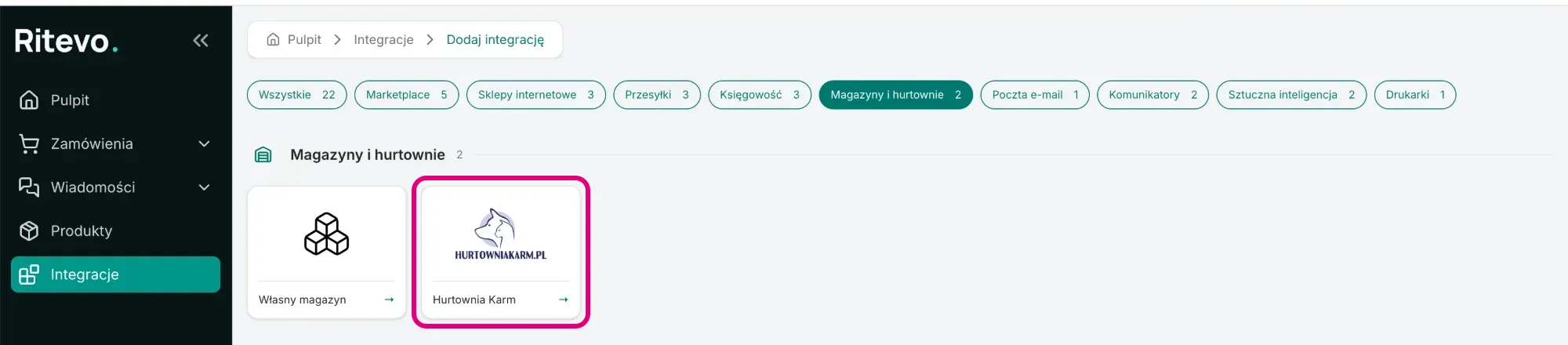
- In the Warehouses and wholesalers section pick the Hurtownia Karm tile.
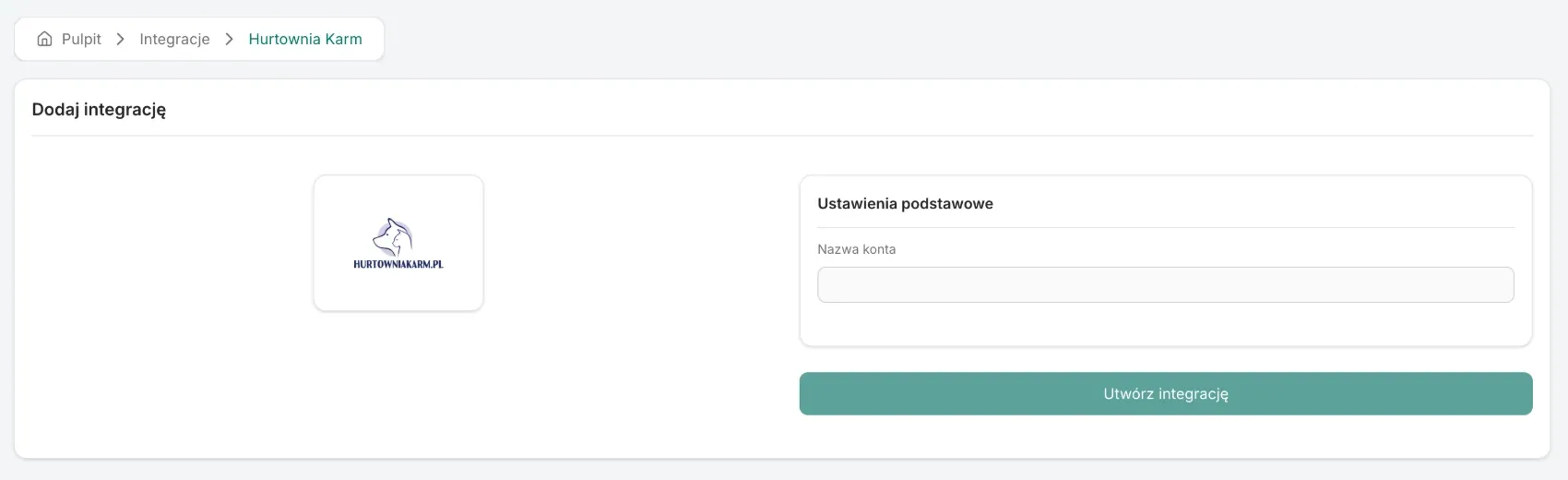
- In the Account name field enter your own name for the integration and click Create integration. Within a minute we start the first fetch of the offer.
Integration settings
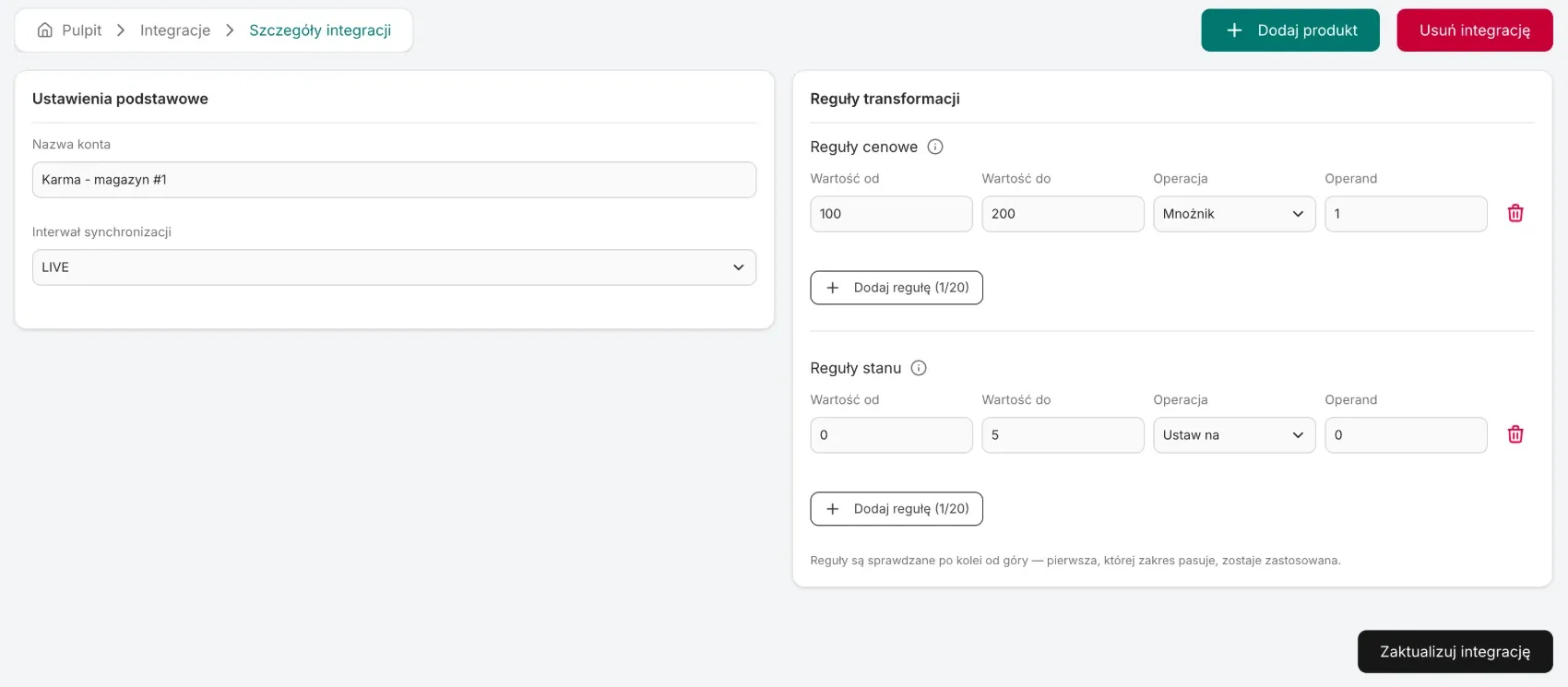
On the integration page you will find the fields below. You save changes with Update integration:
- Account name - your own name for the integration. You see products under it in the Integration column of the Products list.
- Sync interval - how often we fetch the offer: Never, LIVE (every hour), Every 2 hours or Every 6 hours. Never by default - then the offer is fetched only once, right after adding. More in Fetching products.
- Transformation rules - Price rules and Stock rules that change every price and every stock level of this integration, for example to add a margin. Described in Fetching products.
- Add product - a button in the page header. It opens the new product form with this integration already selected.
What we fetch from the wholesaler
- Product data - name, code as SKU, EANs (the first as the EAN, the rest as additional EANs), description, images, manufacturer, the most specific category and weight. The wholesaler does not provide dimensions. A product without a code in the offer is skipped, because SKU is required.
- Price - the net price with the VAT rate and currency from the offer.
- Stock - the quantity in a warehouse named “Hurtownia Karm”.
- Active - a product is active only when the wholesaler marks it as active, visible and available for sale.
Deleting the integration
Delete integration turns the integration off in Ritevo and stops fetching. Products, prices and stock levels saved earlier stay in the Products list. Restore integration turns it back on.
What the integration does not do
- It does not place orders with the wholesaler.
- It does not fetch product variants or gross prices.
- It does not deduct or reserve stock after a sale - stock in Ritevo changes only through a wholesaler fetch or your own edit.
- It does not send products, prices or stock levels to sales channels.