
The WhatsApp integration connects a WhatsApp Business number to Ritevo. Customer messages land in the shared Messages inbox the moment the customer sends them, and you reply from there.
One integration is one number - Meta's window always ends with one number picked. You connect several numbers one by one, each as a separate integration.
Within one company account a number can be connected only once: when you or a colleague connect it again, the existing integration is refreshed - even if it was deleted before - and no second one is created.
You connect WhatsApp through Facebook's sign-in window. You never give us your password - Meta passes on only the access you agree to in that window.
Two-step verification PIN
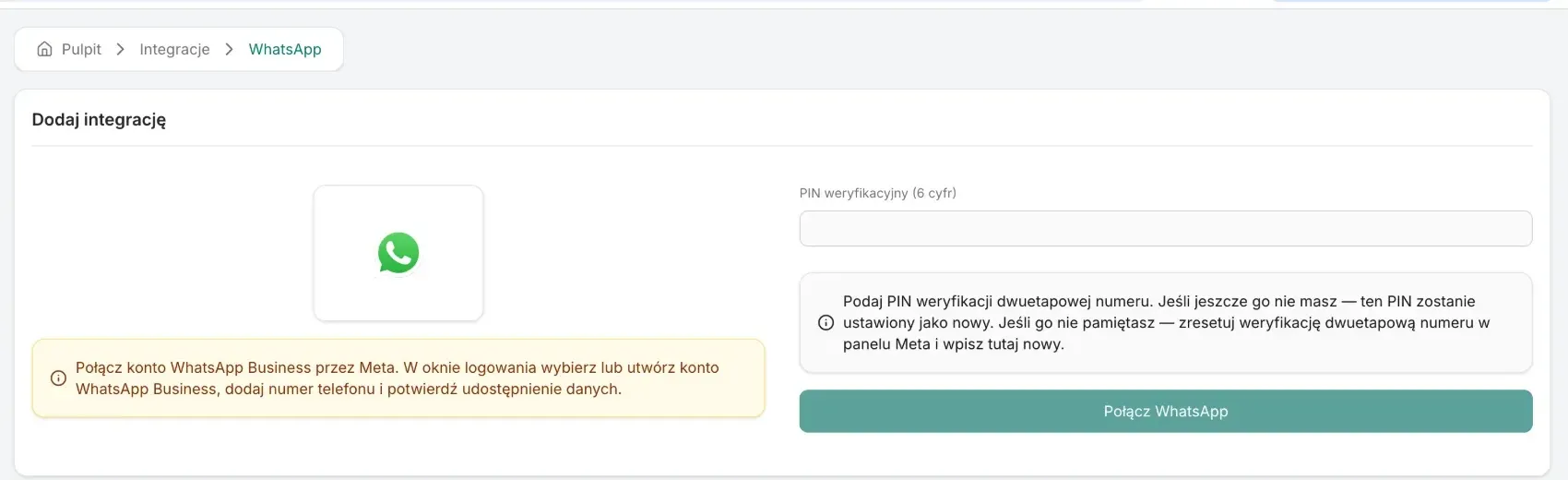
When connecting, you enter the number's 6-digit two-step verification PIN. Meta requires it to register the number for sending messages:
- Number without a PIN - enter a new PIN; it becomes the number's PIN. Keep it, you will need it to reconnect.
- Number with a PIN - enter the PIN the number already has. Meta rejects a different one.
- Forgot the PIN - reset the number's two-step verification in the Meta panel and enter the new PIN when connecting.
Connecting the account
Start from the integrations list:
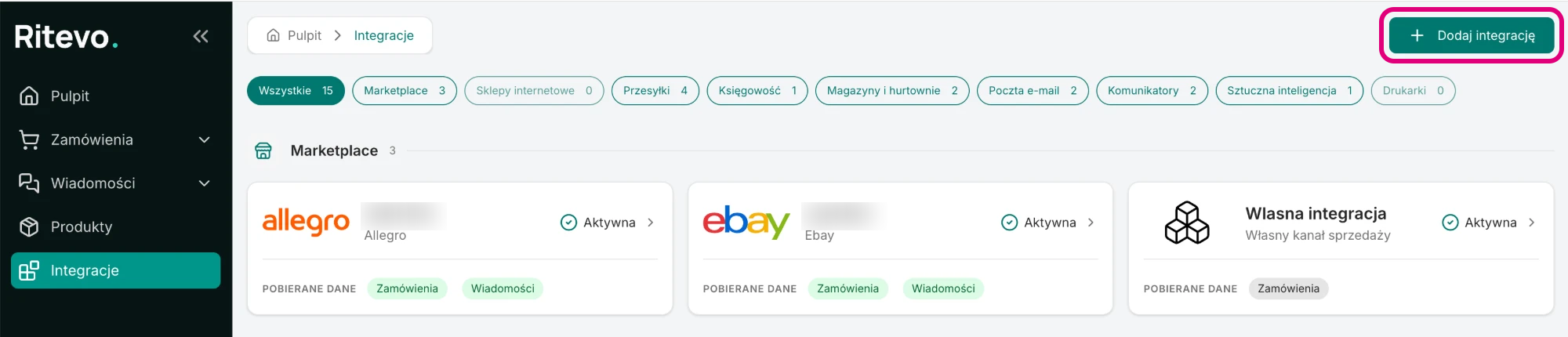
- Go to Integrations in the left panel and click Add integration in the top right corner.
- In the Messaging section pick the WhatsApp tile.
- In the Verification PIN (6 digits) field enter the number's PIN - see above.
- Click Connect WhatsApp. Meta's window opens.
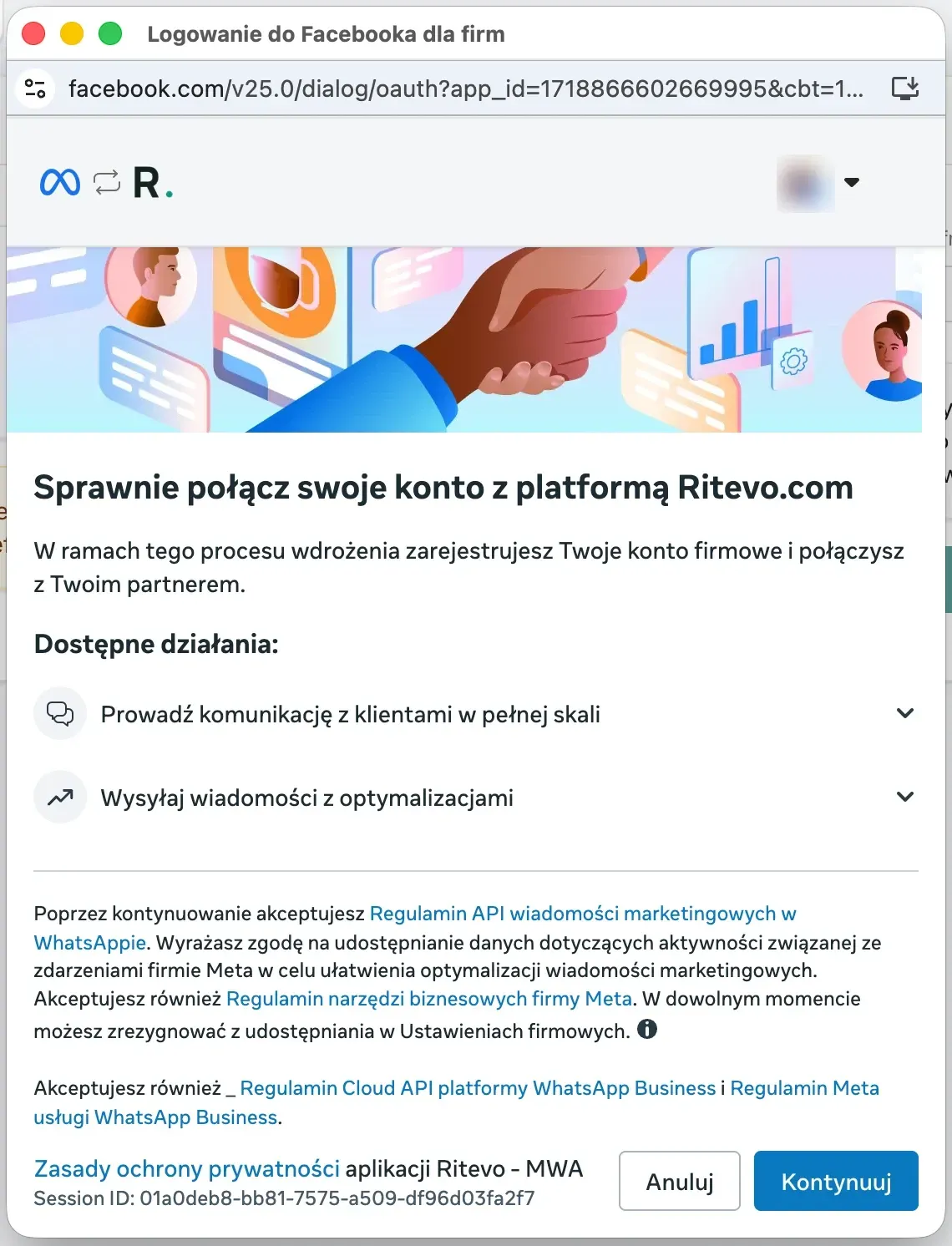
- In Meta's window follow the steps: sign in, pick or create a WhatsApp Business account, pick or add a phone number and confirm sharing the data with Continue.
- Go back to the integrations window. We check with Meta that you have access to the chosen account and number, connect the number for receiving messages and open the new integration's settings. If something does not match, you see the error returned by Meta and nothing is saved.
Integration settings
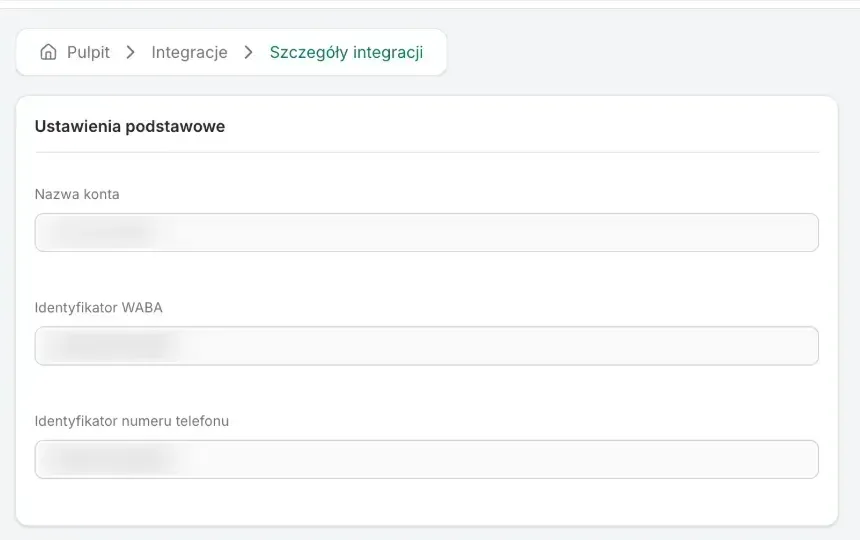
The integration is Active and receives messages right away - there is no fetching switch here, because WhatsApp delivers messages as they arrive. On the integration page you will find, read-only:
- Account name - the connected phone number.
- WABA ID - the WhatsApp Business account's id in Meta.
- Phone number ID - the number's id in Meta.

Messages from WhatsApp
- Conversation history - WhatsApp does not share history, so we store the messages and attachments ourselves from the moment of connecting. You can read them even when the integration needs reconnecting - without a connection you only cannot send replies.
- Live - a customer's message shows up in the inbox right away, with no waiting for the next check.
- Threads - each conversation with one customer number is one thread of the Message type. It is not linked to an order automatically.
- Replies from other programs - if you also reply to customers on this number from another program, the thread shows only that a message was sent at that time - without its content. This is a WhatsApp limitation: it does not pass on the content of messages sent from other programs. To keep the whole conversation, reply to customers only in Ritevo.
Replying to customers
- Right in the thread - a sent reply shows in the thread right away, and its status changes once WhatsApp confirms delivery.
- 24 hours - WhatsApp lets you reply freely for 24 hours after the customer's last message. After that it rejects an ordinary reply and you see an error. From then on a conversation can only be started with an approved WhatsApp template - we do not send such templates yet, so you can write again only once the customer writes first.
Reconnection required
This state appears when Meta stopped accepting our access to the number - for example after the app's permissions were removed in the Meta business account settings. Until you reconnect, you cannot send replies from that number.
- Go through Connecting the account again and pick the same number in Meta's window.
- Enter the same PIN the number already has. The connection is refreshed in the existing integration - the history stays, no second integration is created.
Deleting the integration
Delete integration turns the integration off in Ritevo: it stops fetching and sending data, but what it fetched earlier stays. Restore integration turns it back on.
What the integration does not do
- It does not fetch conversations from before the number was connected.
- It does not send approved WhatsApp templates, so it cannot start a conversation after the 24 hours.
- It does not show the content of messages sent from another program connected to this number.